

Choosing accounting software for your small business shouldn't feel like a gamble. Yet many UK business owners find themselves stuck between Xero and QuickBooks, unsure which platform will actually make their lives easier.
Here's the thing: both are excellent tools. Neither is objectively "better" than the other. The right choice depends entirely on your business needs, your team size, and how you plan to grow.
At Titus Accounts, we're Gold Partners with both Xero and QuickBooks. We've helped hundreds of UK businesses implement and optimize both platforms. This comparison cuts through the marketing noise to give you the practical information you need to make the right decision.
Before diving into features, let's establish what these platforms do.
Both Xero and QuickBooks Online are cloud-based accounting software designed to handle your core financial tasks: invoicing, expense tracking, bank reconciliation, VAT returns, and financial reporting. They both connect to your bank accounts, integrate with popular business apps, and can be accessed from anywhere with an internet connection.
The differences emerge when you look at how they handle these tasks, who they're designed for, and what happens as your business grows.
If you or your team don't have accounting backgrounds, this matters more than you might think.
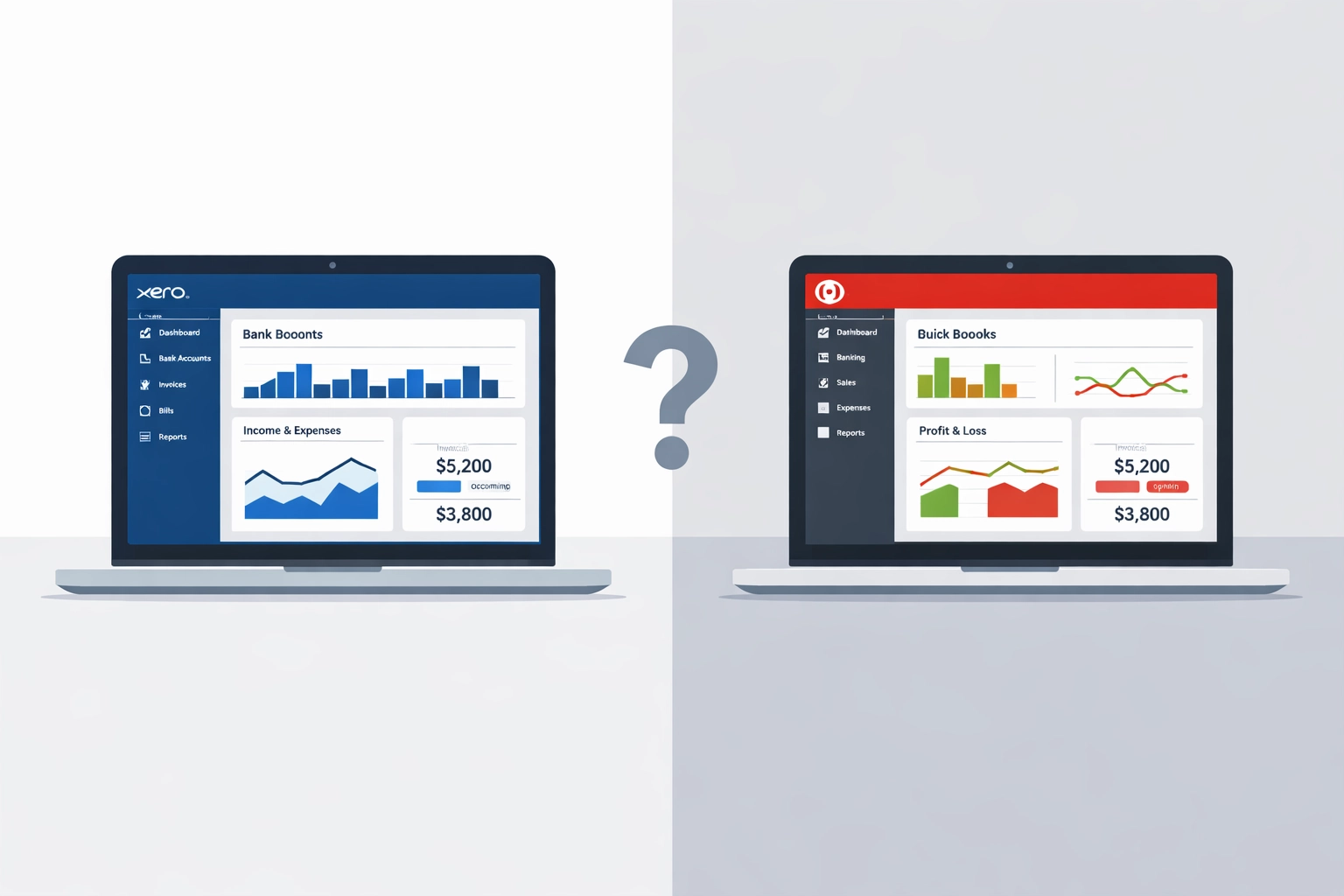
Xero is known for its clean, intuitive interface. Most users can navigate the dashboard and complete basic tasks within their first session. The layout is logical, and common actions are easy to find. This simplicity makes it particularly appealing for sole traders and small teams who need to get on with running their business rather than learning complex software.
QuickBooks Online offers a modern interface with more customization options. While this flexibility is valuable for businesses with specific requirements, it does create a steeper learning curve. You'll find more menus, more settings, and more ways to configure workflows. This isn't necessarily bad: it's just different.
For UK businesses where the business owner is often managing the accounts directly or delegating to someone without formal accounting training, Xero's simplicity typically wins out.
This is where Xero pulls significantly ahead for growing businesses.
Xero offers unlimited users on every pricing plan. Whether you're on the cheapest tier or the most comprehensive package, you can add your bookkeeper, accountant, operations manager, and anyone else who needs access: without paying extra.
QuickBooks limits users based on your plan tier. The entry-level plan includes one user. You'll need to upgrade (and pay more) as your team grows. Even the most expensive plan caps at 25 users.
For small businesses planning to grow, this difference can significantly impact your long-term costs. Adding three or four team members to Xero costs nothing. Adding them to QuickBooks might require plan upgrades costing hundreds of pounds annually.

Both platforms handle core accounting functions effectively. The differences appear in the details.
Inventory Management
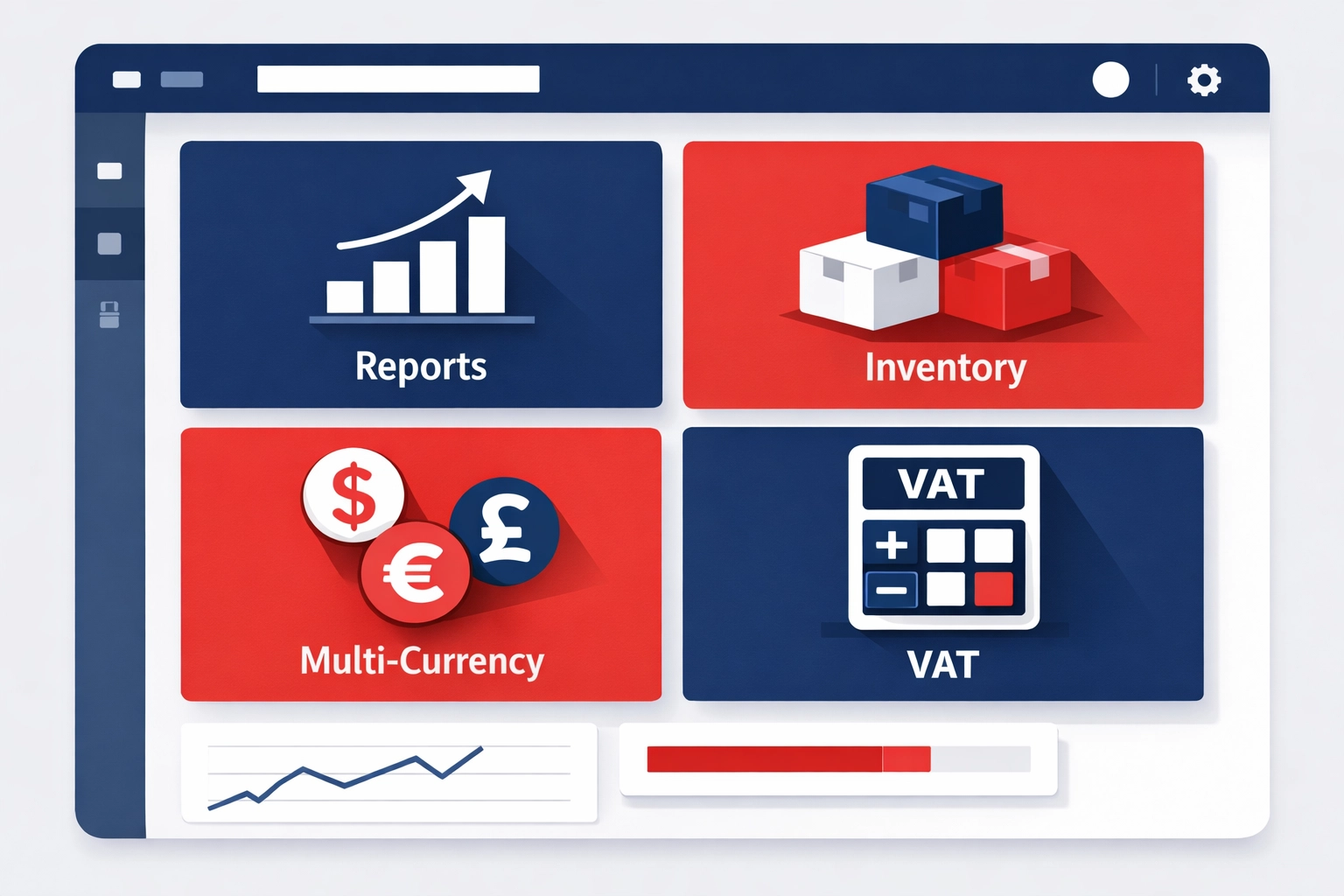
QuickBooks offers more robust inventory tracking across all plans, with features like batch tracking and barcode scanning on higher tiers. Xero includes basic inventory management on all plans, which suits many small businesses but may fall short for product-based businesses with complex stock requirements.
Reporting and Customization
QuickBooks provides deeper reporting capabilities with more granular control over financial data. You can customize reports extensively, which appeals to businesses with specific reporting requirements or accountants who need detailed financial analysis.
Xero's reporting is comprehensive but less customizable. For most small businesses, the standard reports provide everything needed for decision-making and compliance.
Multi-Currency and International Operations
If you trade internationally or deal with multiple currencies regularly, Xero handles this more smoothly. The platform was built with international businesses in mind and manages foreign currency transactions efficiently.
QuickBooks can handle multi-currency, but users report it's less intuitive, particularly for businesses operating across multiple countries.
VAT Returns
Both platforms connect directly to HMRC for Making Tax Digital compliance. Both can automatically calculate and submit your VAT returns. In practice, they work equally well for this essential UK requirement.
Pricing varies depending on your needs, but here's the general picture for UK businesses.
Xero starts at around £12 per month for the Early plan (suitable for sole traders with basic needs), rising to £37.50 per month for the Established plan with comprehensive features. Remember: unlimited users at every level.
QuickBooks Online pricing for UK businesses typically starts at approximately £14 per month for Simple Start, rising to £44 per month for the Essentials plan and £66 per month for Plus (which includes inventory management).
The headline prices look similar, but factor in user limits. If you need to add team members, Xero's unlimited user policy makes it more cost-effective over time.
Both platforms regularly offer discounts for new customers, so the actual price you pay may vary.
QuickBooks offers more comprehensive direct support, including phone lines and live chat. Support is available extended hours, though some users report response times can vary.
Xero relies primarily on email support and callback services rather than immediate phone support. Response times are generally good, but if you need instant help, this might feel limiting.
Here's where working with a Gold Partner like Titus Accounts becomes valuable. Whether you choose Xero or QuickBooks, you'll have direct access to specialists who know both platforms inside out. We become your first line of support, often resolving issues faster than going through the software providers directly.
For most UK small businesses, Xero is typically the better fit. Here's why:
QuickBooks makes more sense if you:
Being Gold Partners with both Xero and QuickBooks means we're certified specialists in implementing and optimizing both platforms. More importantly, it means we can give you genuinely unbiased advice.
We don't push you towards one platform because we have targets to hit. We recommend the software that actually fits your business.
Our role extends far beyond software selection. We help you:
Think of us as an extension of your finance department. You get the benefits of sophisticated accounting software combined with expert guidance whenever you need it.
Start by answering these questions:
If unlimited users and simplicity matter most, Xero is likely your answer. If you need advanced features and customization from day one, consider QuickBooks.
Both platforms offer free trials. We recommend testing your top choice with real business data before committing.
Better yet, speak to us about your specific situation. We'll walk you through which platform fits your business, help you get set up properly, and ensure you're getting maximum value from whichever option you choose.
The right accounting software should make your business life easier, not add complexity. With the right platform and the right support, your accounts become a business asset rather than an administrative burden.
Choosing accounting software for your small business shouldn't feel like a gamble. Yet many UK business owners find themselves stuck between Xero...
If you're running multiple...

February 10, 2026